Create your Bridge account
Getting started with Bridge is quick and easy. Follow these steps to create your account and begin connecting with your clients.
Step 1: Sign up
Visit the Sign Up page and fill out the form with your email address, name, and password. You'll receive a verification code via email to confirm your email address.
Step 2: Verify your email
Check your email inbox for the verification code and enter it on the verification page. Once verified, your account will be created automatically.
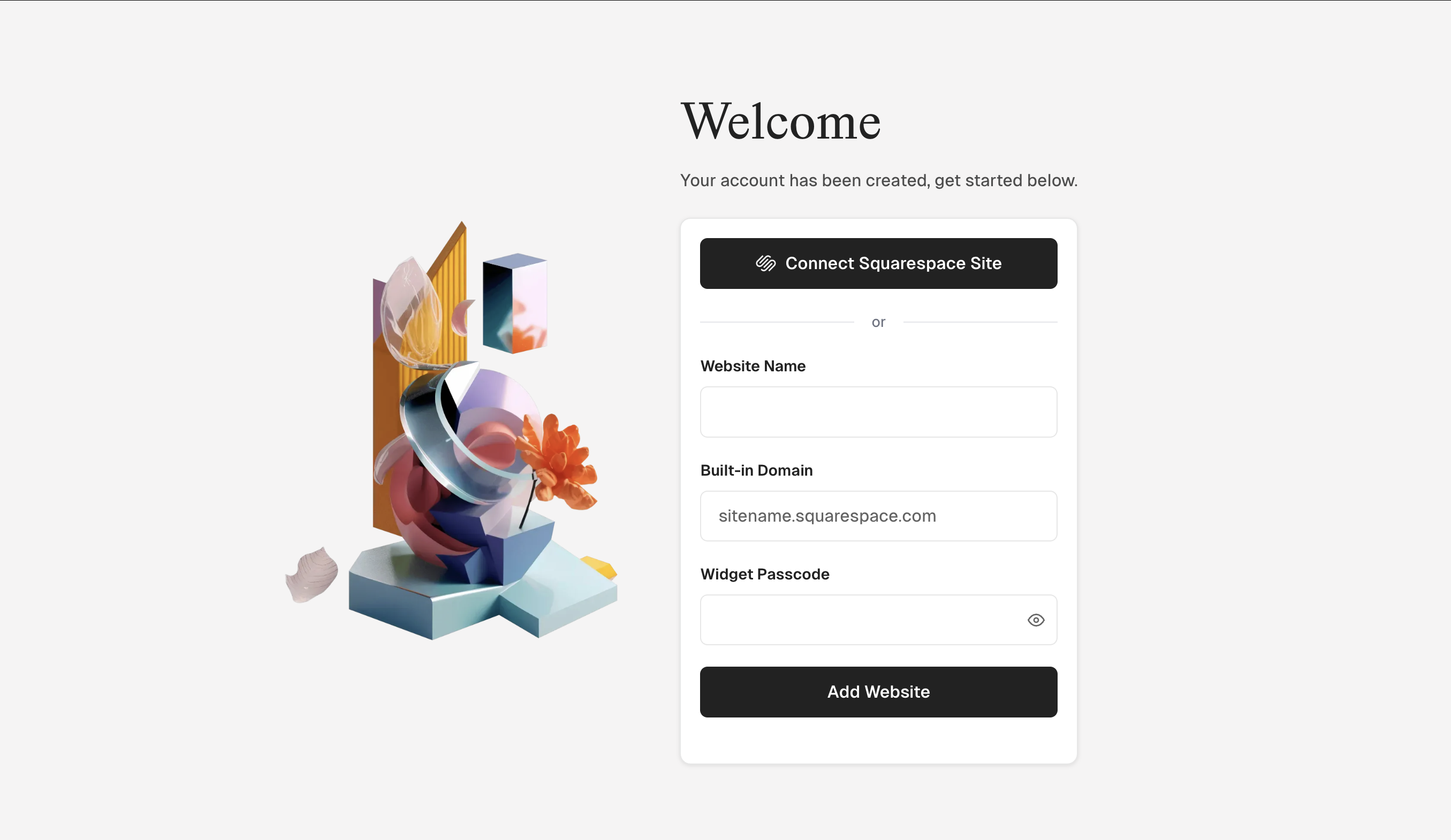
Step 3: Welcome page
After verification, you'll be redirected to the welcome page where you can add your first Squarespace website. You can connect with Squarespace or manually enter your website details.
Step 4: Access your dashboard
Once you've added your first website, you'll have full access to your Bridge dashboard. From here, you can manage conversations, add more Squarespace websites, and customize your widget settings.
About plans and trials
Bridge offers three plans to fit your needs:
- Link Plan: Perfect for one Squarespace client site
- Connect Plan: Manage up to three Squarespace client sites
- Atlas Plan: Unlimited Squarespace client sites
All plans start with a free 7-day trial, so you can explore Bridge risk-free. No credit card required to start.
What's next?
Now that you have an account, you're ready to:
- Add your first Squarespace website
- Install the Bridge widget on your Squarespace site
- Start chatting with clients
Tip: Your free trial gives you full access to all Bridge features based on your selected plan. You can upgrade or change your plan at any time from your account settings.