Best practices for using Bridge
Get the most out of Bridge with these tips and best practices for using the app effectively.
Widget Setup
Set up your widget for the best experience:
- Add the widget code to the Header section of Code Injection
- Customize the widget color on the website details page in your dashboard
- Use Stealth mode through the Settings tab in the widget interface to hide the widget
Managing Conversations
Use your dashboard effectively:
- Use the online/offline toggle to control your availability
- Start conversations from your dashboard or directly from the widget on the Squarespace site
- Click on the profile photo in the chat message area to switch between message senders when using the widget
File Sharing
Make the most of file sharing:
- Share images, documents, and archive files (ZIP, RAR) up to 10MB per file
- Supported file types include images (JPG, PNG, GIF), documents (PDF, DOC, DOCX, TXT), and archive files
- Files are stored securely and accessible in the conversation thread
Settings and Customization
Configure Bridge to work best for you:
- Set widget color on the website details page in your dashboard
- Control Stealth mode through the Settings tab in the widget interface on your Squarespace site
- Set optional passcode protection when adding a website or in widget settings
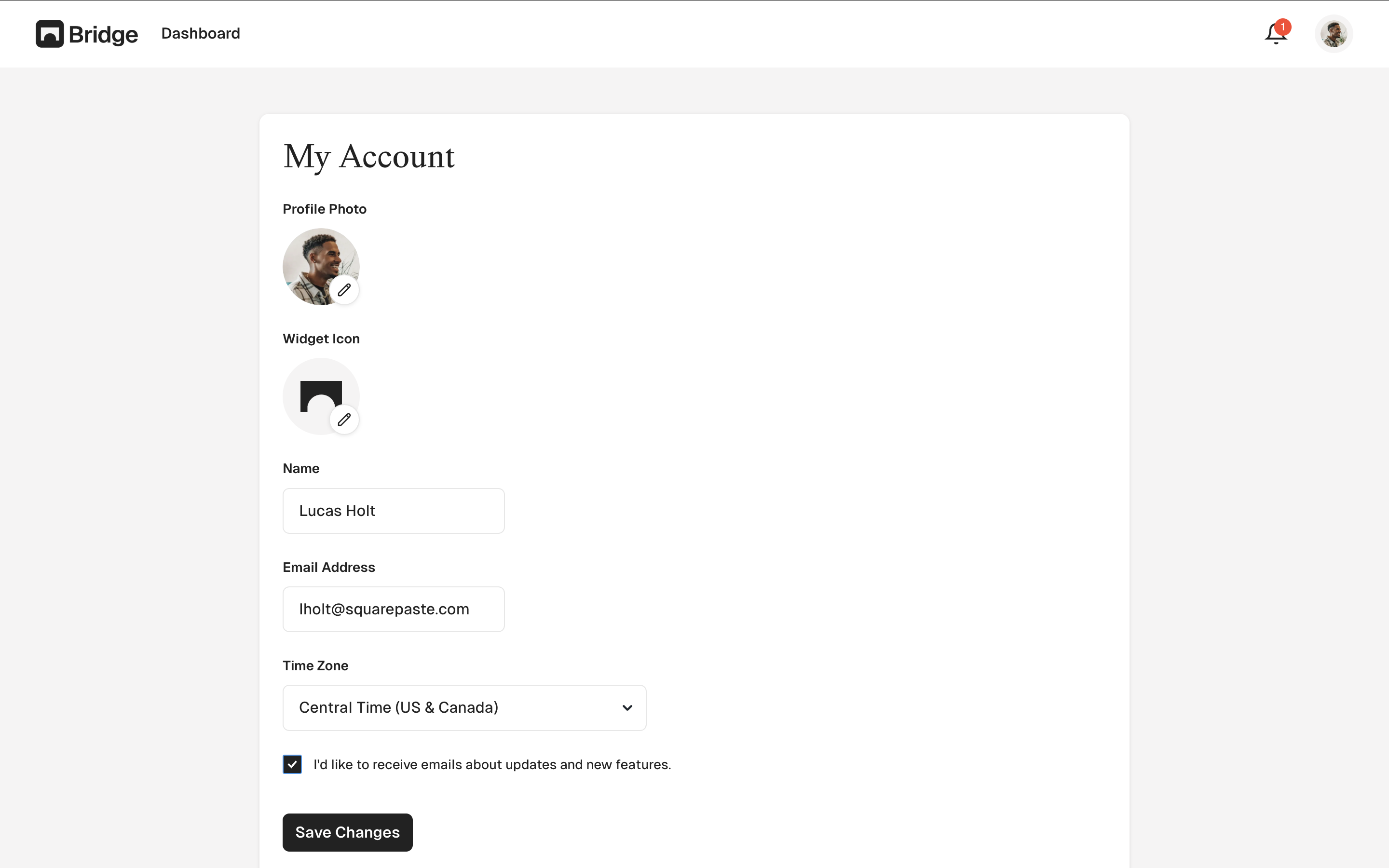
- Enable email notifications in your account settings to stay informed about new messages
- Customize the widget icon through the Settings tab in the widget interface on your Squarespace site
You can customize the widget icon through the Settings tab in the widget interface on your Squarespace site.
Tip: Use Stealth mode while editing your Squarespace site so you can edit the Squarespace site while hiding the widget. You can enable Stealth mode through the Settings tab in the widget interface on your Squarespace site.